AI video app for iPhone and Android

Turn your photos into AI videos

Pick an effect, add a photo and VidSpell makes the video for you. Dances, angel wings, mermaids, birthdays, holidays and 300+ more effects, with new ones every week.

Download on the App Store Get it on Google Play

Free to download. Offers in-app purchases.

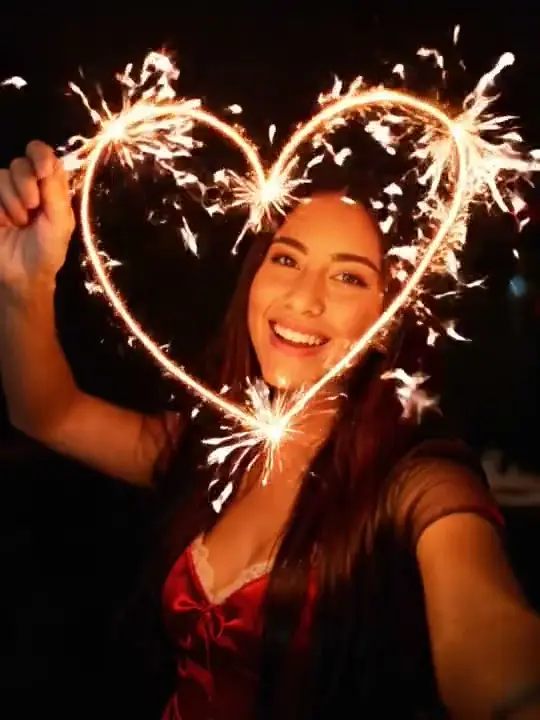
Sparkler Magic AI video effect
Sparkler Magic
Mermaid AI video effect
Mermaid
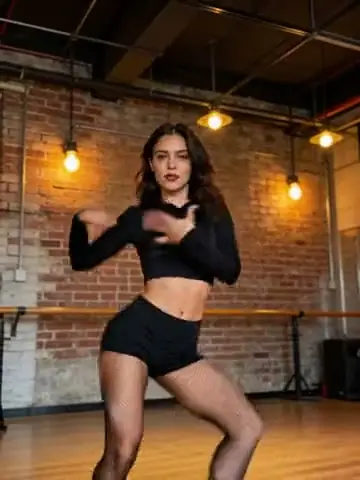
Salsa AI dance video
Salsa Dance

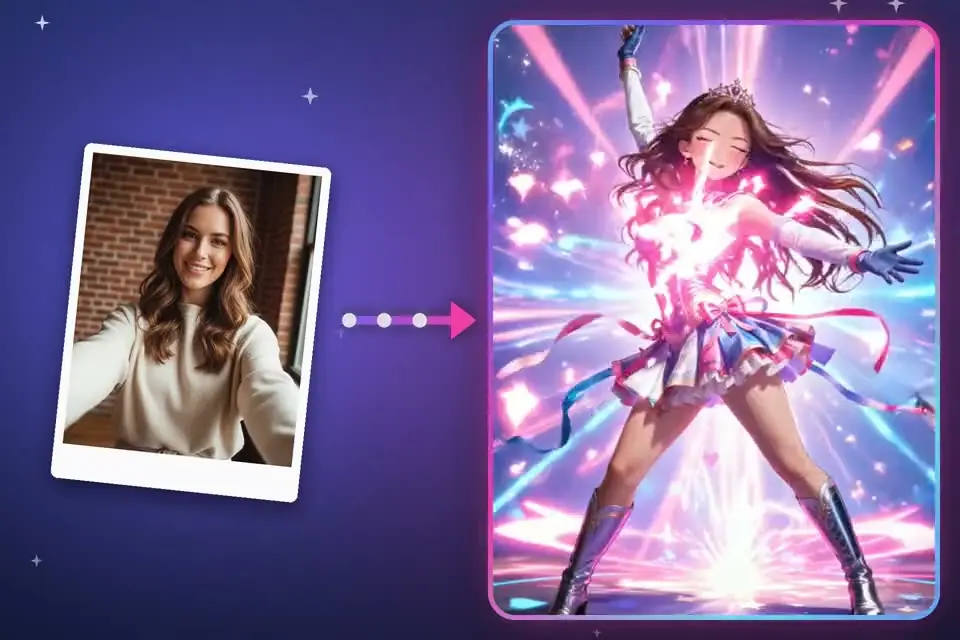
One photo is all it takes

No video skills and no editing. Choose a look, upload a selfie and get a short clip you can save or share.

A selfie turned into an AI video in VidSpell

Popular right now

A few of the 300+ effects in the app. New ones are added every week.

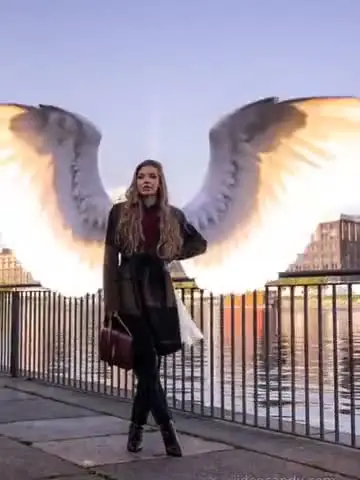
Angel Wings AI video effect
Angel Wings
Golden Birthday AI video effect
Golden Birthday
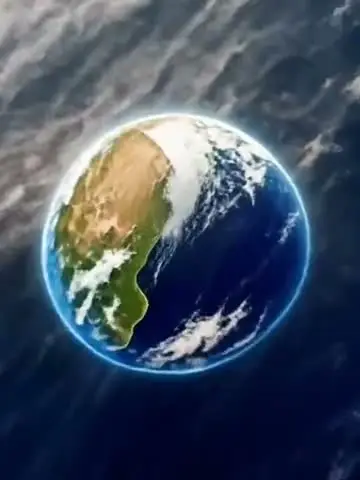
Earth Zoom AI video effect
Earth Zoom
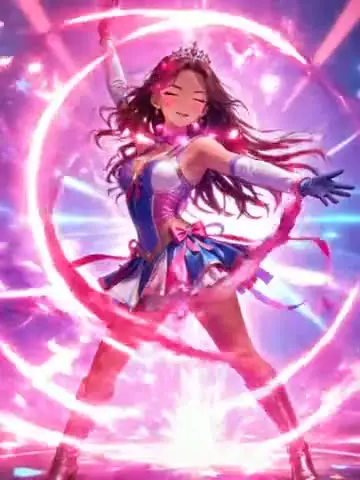
Magical Girl AI video effect
Magical Girl
Winter Magic AI video effect
Winter Magic
Baby Singer AI video effect
Baby Singer
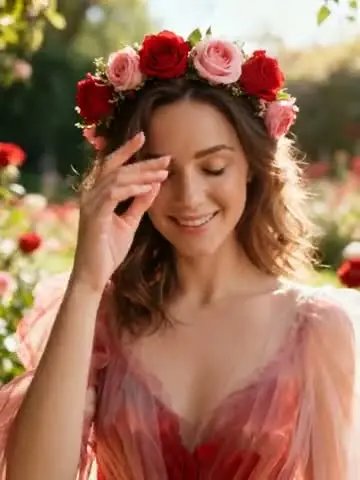
Floral Crown AI video effect
Floral Crown
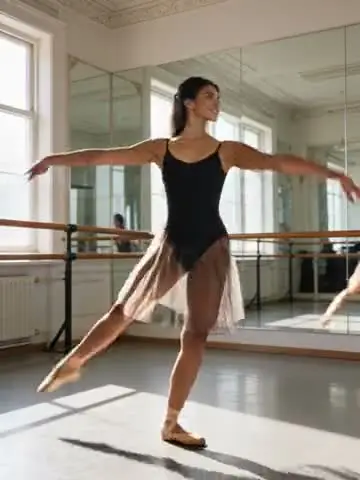
Ballet AI dance video
Ballet
Petal Shower AI video effect
Petal Shower
Christmas AI video effect
Christmas
Step and Snap AI dance video
Step & Snap
Baby Chef AI video effect
Baby Chef

What you can make

How it works

  1. Pick an effect

    Browse the effects or write your own prompt.

  2. Add a photo

    Upload a selfie or any photo from your gallery.

  3. Save or share

    Your video is ready in a few minutes. Save it or send it to friends.

Questions

Something else? Email info@vidspell.app

Is VidSpell free?

VidSpell is free to download. Creating videos needs a subscription or credits, which you can buy in the app. Prices are always shown before you pay.

What can I make with it?

Photo to video, text to video, face swap, AI dance and hundreds of effects such as angel wings, mermaid, earth zoom, birthday and holiday scenes.

How long does a video take?

Most videos are ready in a few minutes. You can keep using the app while it works.

Which devices are supported?

iPhone and iPad through the App Store, and Android phones through Google Play.

What happens to my photos?

Your photos are used to create the videos you ask for. See the Privacy Policy for details.

How do I cancel my subscription?

On iPhone: Settings, tap your name, then Subscriptions. On Android: Google Play, Profile, then Payments & subscriptions. Cancel at least 24 hours before renewal to avoid the next charge.

Get VidSpell

Available for iPhone and Android.

Download on the App Store Get it on Google Play